



A streaming starter kit that actually sounds good (under £400)

A streaming starter kit that actually sounds good (under £400)
Viewers forgive a soft webcam. They don’t forgive bad audio. If you’re building a first setup on a budget, buy in this order and you’ll sound like you’ve been doing it for years.
- Microphone on a boom arm first — dynamic capsule, not condenser.
- Two small LED panels before you spend a penny more on the camera.
- Then a modest webcam. Then a stream deck. Skip capture cards and green screens for now.
01Microphone first
A dynamic mic rejects the room — the fan, the keyboard, the neighbour’s dog — in a way a cheap condenser never will. On a boom arm, positioned a fist-width from your mouth, a modest dynamic mic sounds better than an expensive one sitting on the desk.
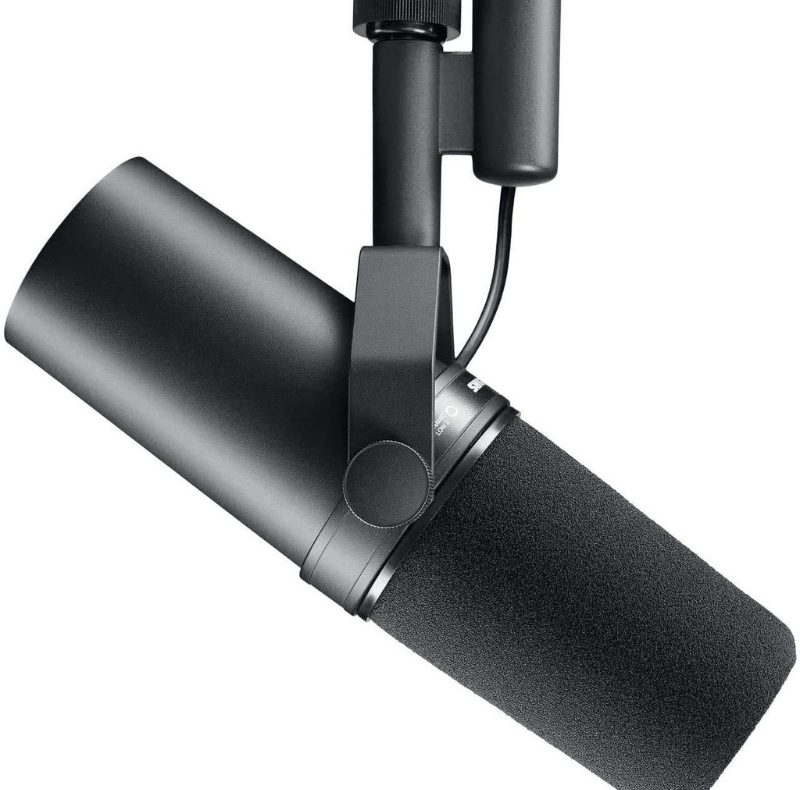
If you already know streaming is a long-term thing, the Shure SM7B is the broadcast standard — it’s what most podcasts and big channels use. But it’s XLR, needs an interface and a lot of clean gain, so treat it as a step-two purchase.
02Light before camera
A 1080p webcam in good light beats a 4K webcam in a dark room, every time. Two small LED panels either side of your monitor, slightly above eye level and angled down, remove the grain that makes cheap cameras look cheap. Keep the third panel from a 3-pack for a back light later — it separates you from the wall.
03Then the camera
Once you’re lit, a Logitech C270-class webcam is honestly fine for your first month. Upgrade when your channel gives you a reason to, not before — the audience decides that, not the spec sheet.
04A stream deck is a luxury — but a good one
Scene switching, mute, sound drops and lighting cues on physical keys frees your hands and your attention. Buy it after your first ten streams, when you know which actions you actually repeat.
05What to skip for now
Capture cards (unless you stream from a console), green screens (unless your background is a genuine problem), and a second PC. All three solve problems you may never have.